One coherent direction before a candidate wave
Bright, modern, and unmistakably Wobbleby.
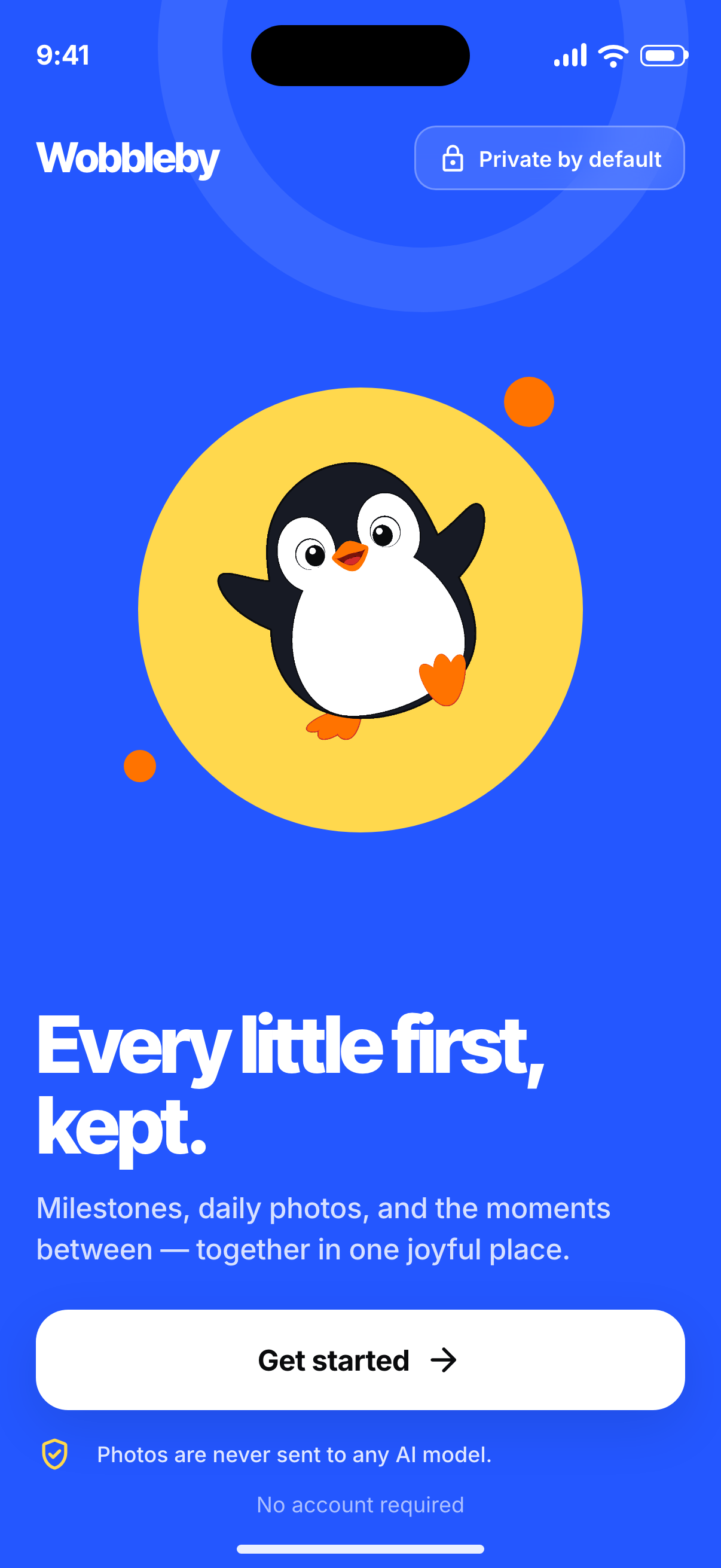
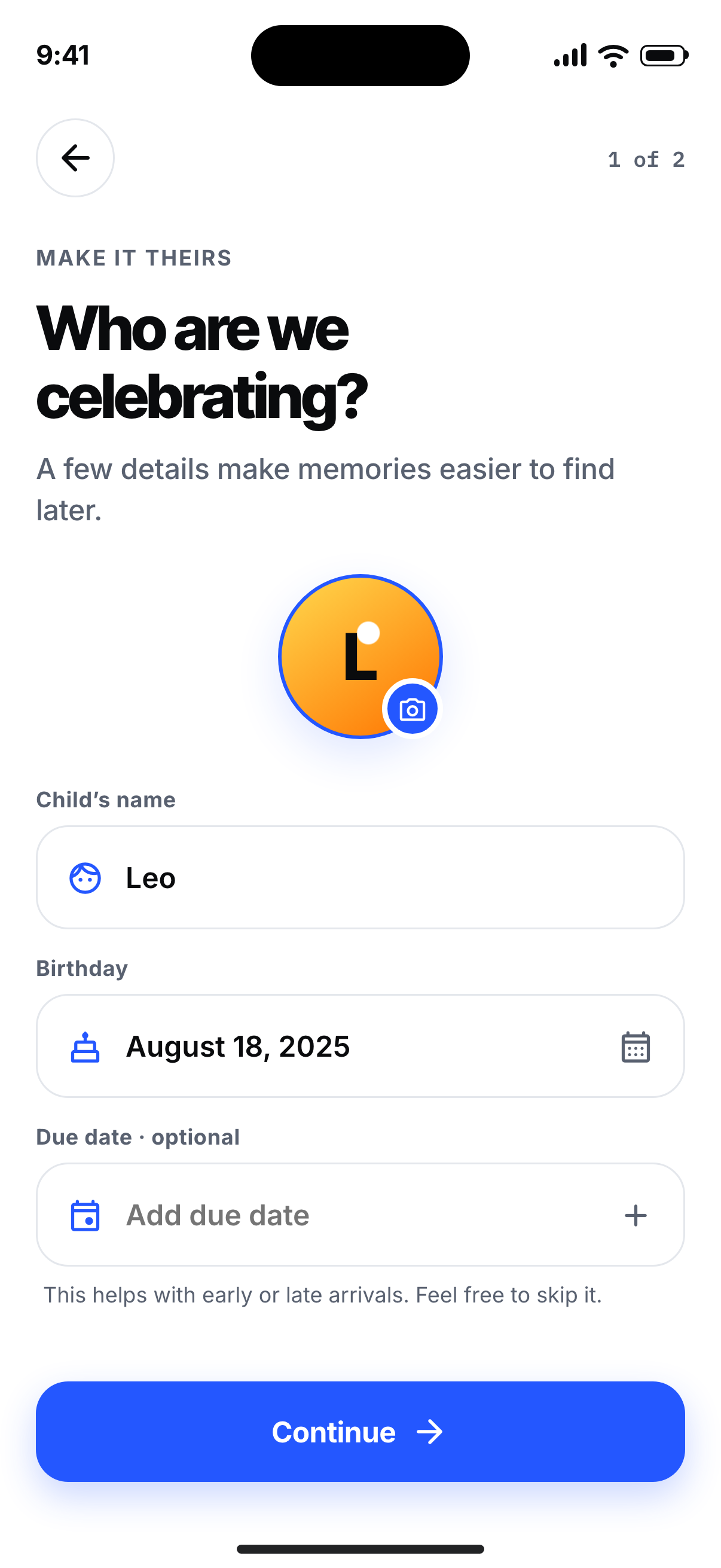
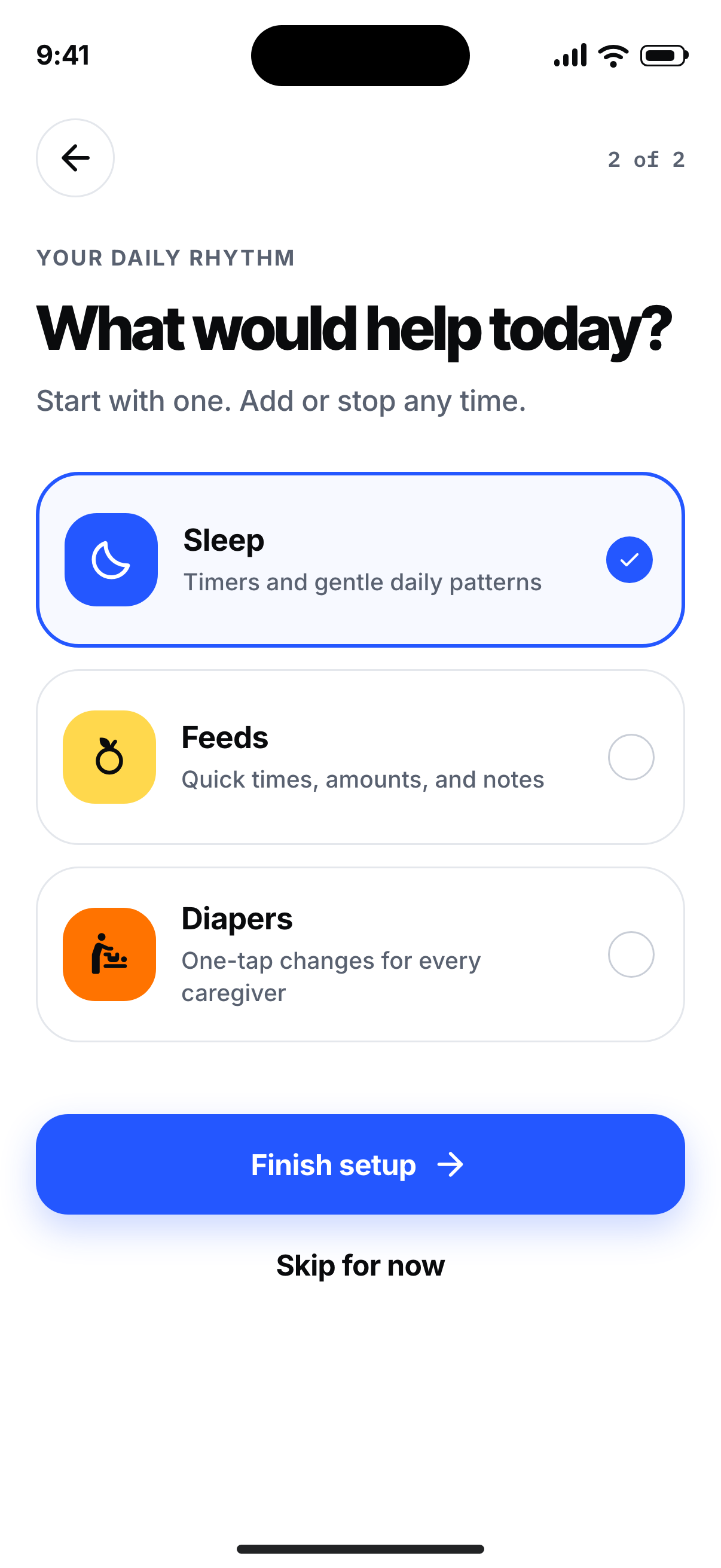
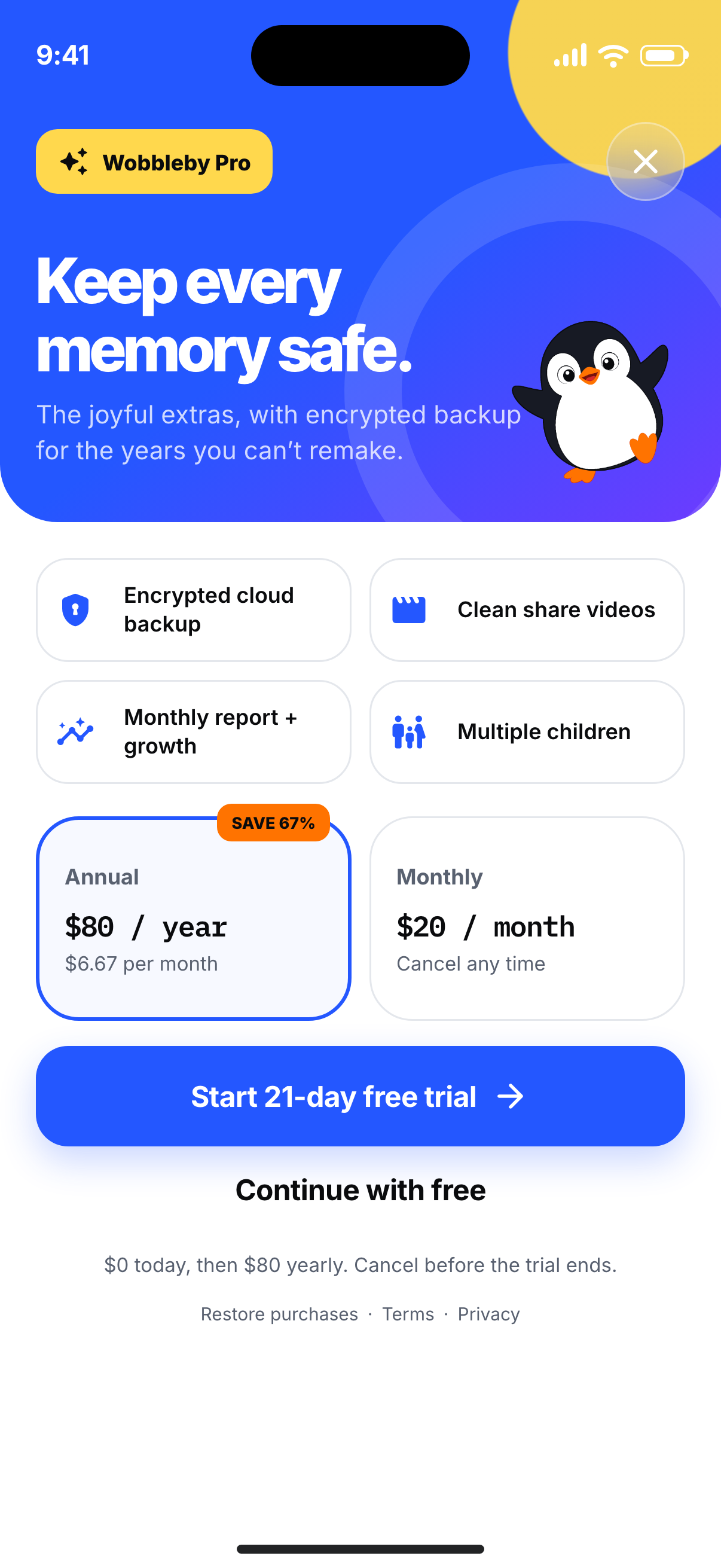
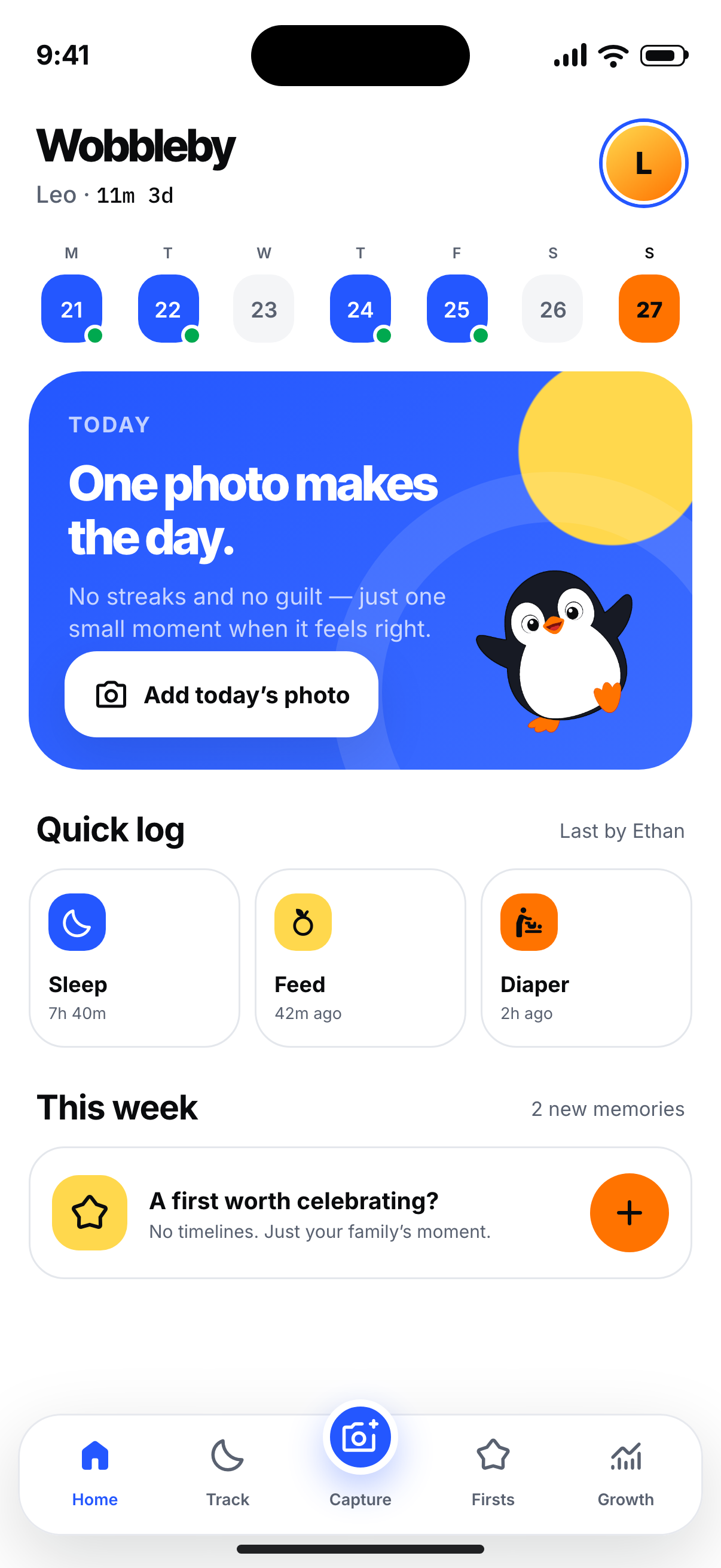
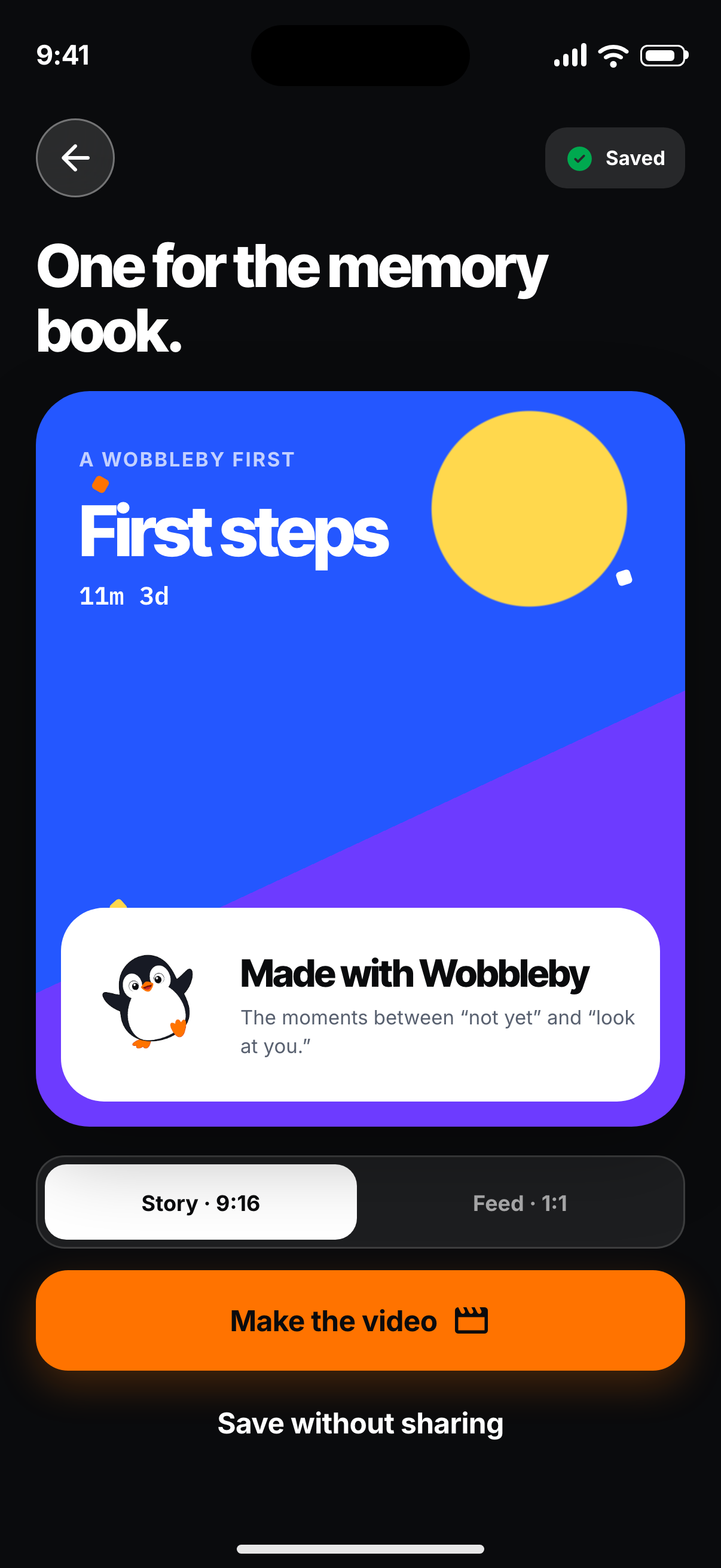
This is a coded visual canary: onboarding, purchase, Home, and a first-to-share flow. Every primary control works. The screenshots below are browser renders at the iPhone 17 Pro’s 1206 × 2622 pixel resolution.
Vivid product color
True-white canvas
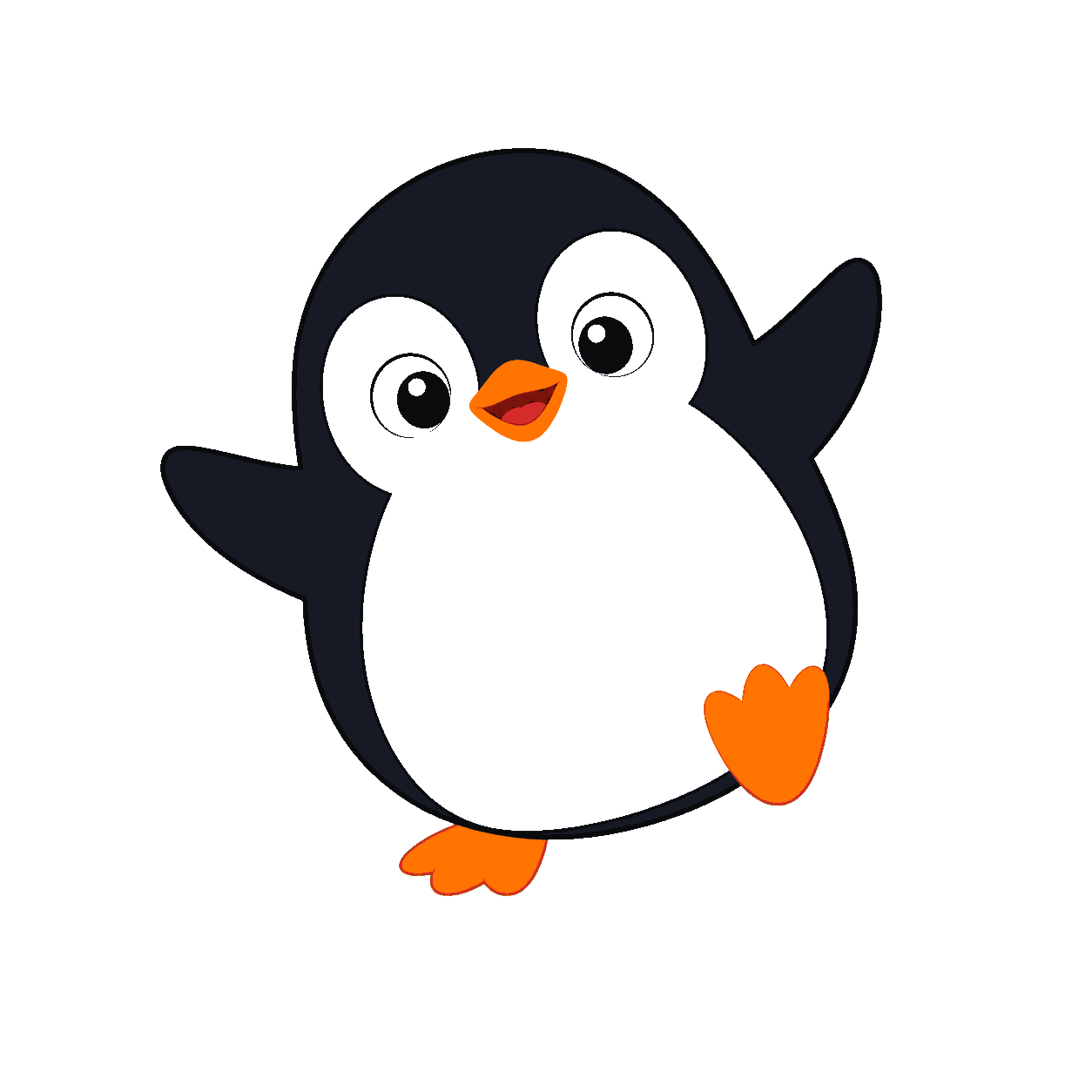
Flat 2D mascot
Tap through it
One app, six different compositions.
The system stays coherent without turning every screen into the same card stack. Switch screens here, or use the controls inside the phone.
check_circle Inter + Inter Tight loaded
check_circle Material Symbols loaded
check_circle 402 × 874 CSS point canvas
check_circle 3× physical pixel captures
Interactive prototype · controls are live
Rendered evidence
Every screen, captured from the real build.
No image-only UI concepts. These are the coded pages after fonts and assets loaded.
What this validates
Fix one thesis, then scale it.
Color is intentional
True white, vivid cobalt, orange celebration, and ink — not beige by default.
Shape has hierarchy
Inputs, buttons, cards, sheets, chips, and circles use different purposeful radii.
Character is 2D
The penguin is a reusable generated raster with flat shapes and transparent edges.
Flows are testable
Selections, navigation, quick logs, photo state, trial state, and video rendering respond.